What is hyprmoncfg?
The problem with Hyprland monitor configuration
Configuring monitors in Hyprland means writing monitor= lines by hand. A 4K display at 1.33333x scale is effectively 2880x1620 pixels, so the monitor next to it needs to start at x=2880. Vertically centering a 1080p panel against it means doing division in your head to get the y-offset right. You reload, you’re off by 40 pixels, you edit, you reload again. There’s no visual feedback until after you’ve committed to a config.
Then it gets worse. You unplug your laptop, go to a conference, plug into a projector, and you’re back to editing config files backstage before your talk. You come home, dock the laptop, and the layout is wrong again.
Existing tools try to help but bring their own problems. Some need a Python runtime and GTK just to draw a layout. Others have no visual editor at all – profiles are config files you write by hand. Some handle hotplug but break when connectors swap between boots. And none of them check whether Hyprland is actually reading the file they’re writing to.
What hyprmoncfg does differently
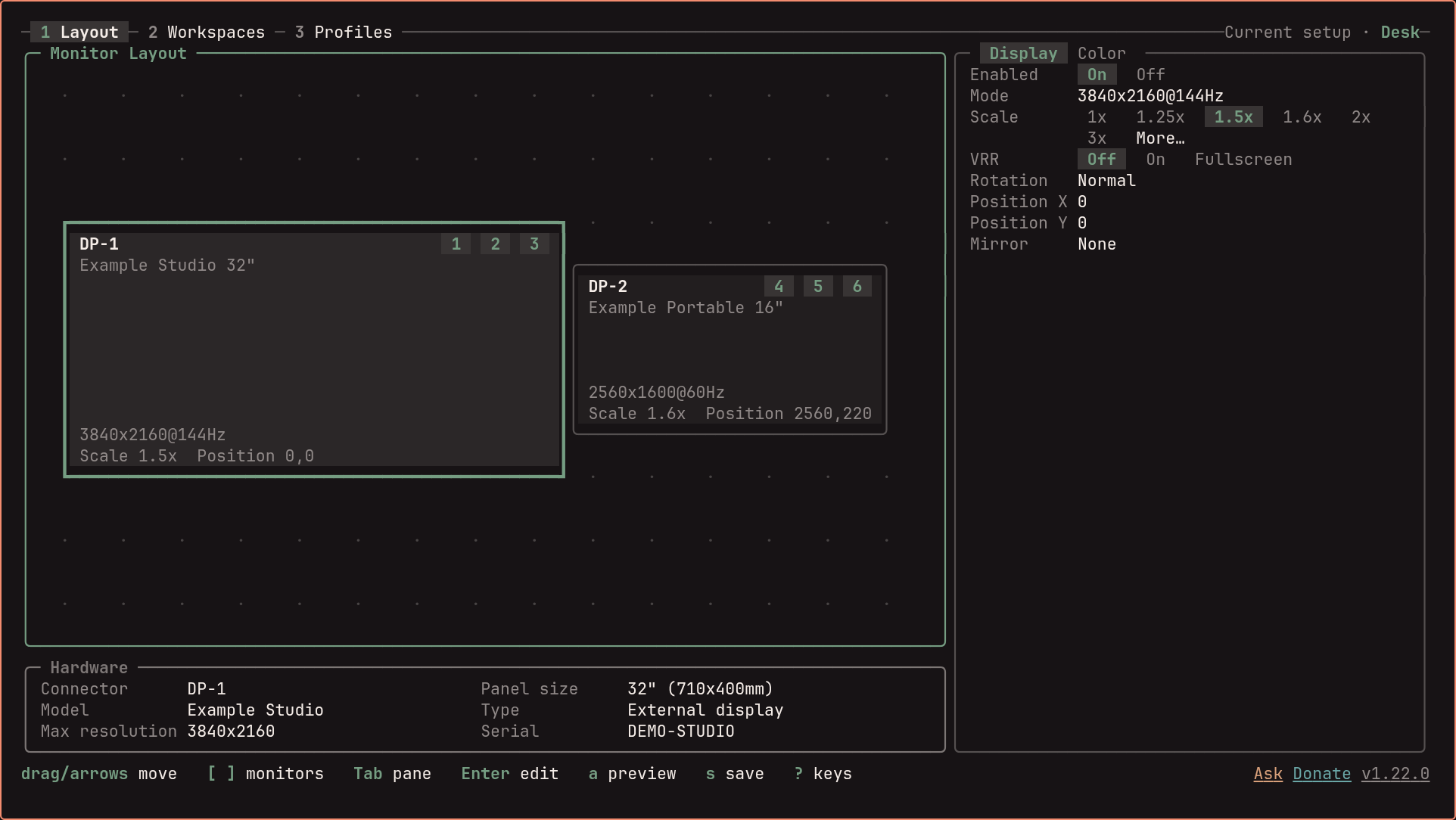
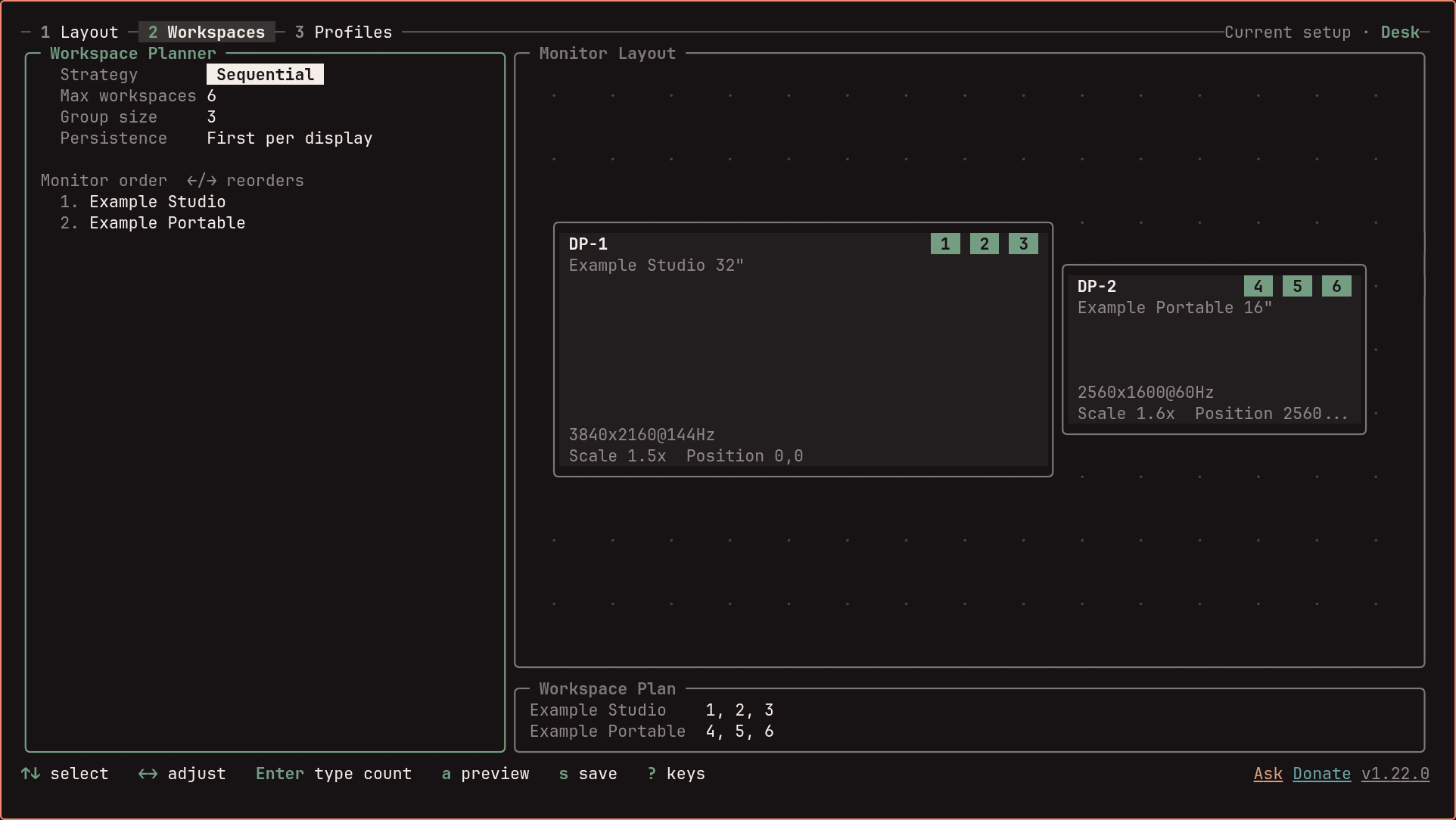
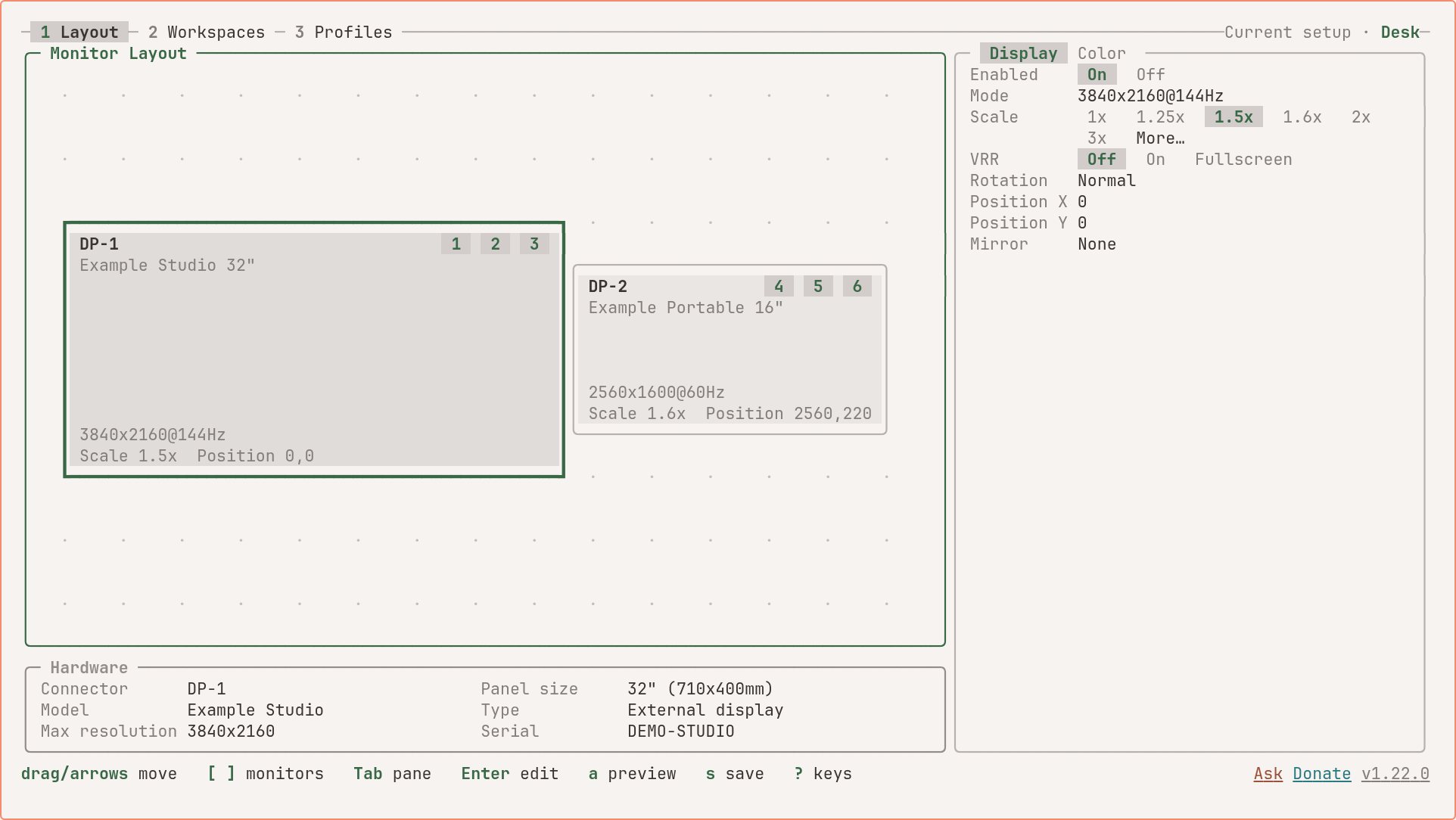
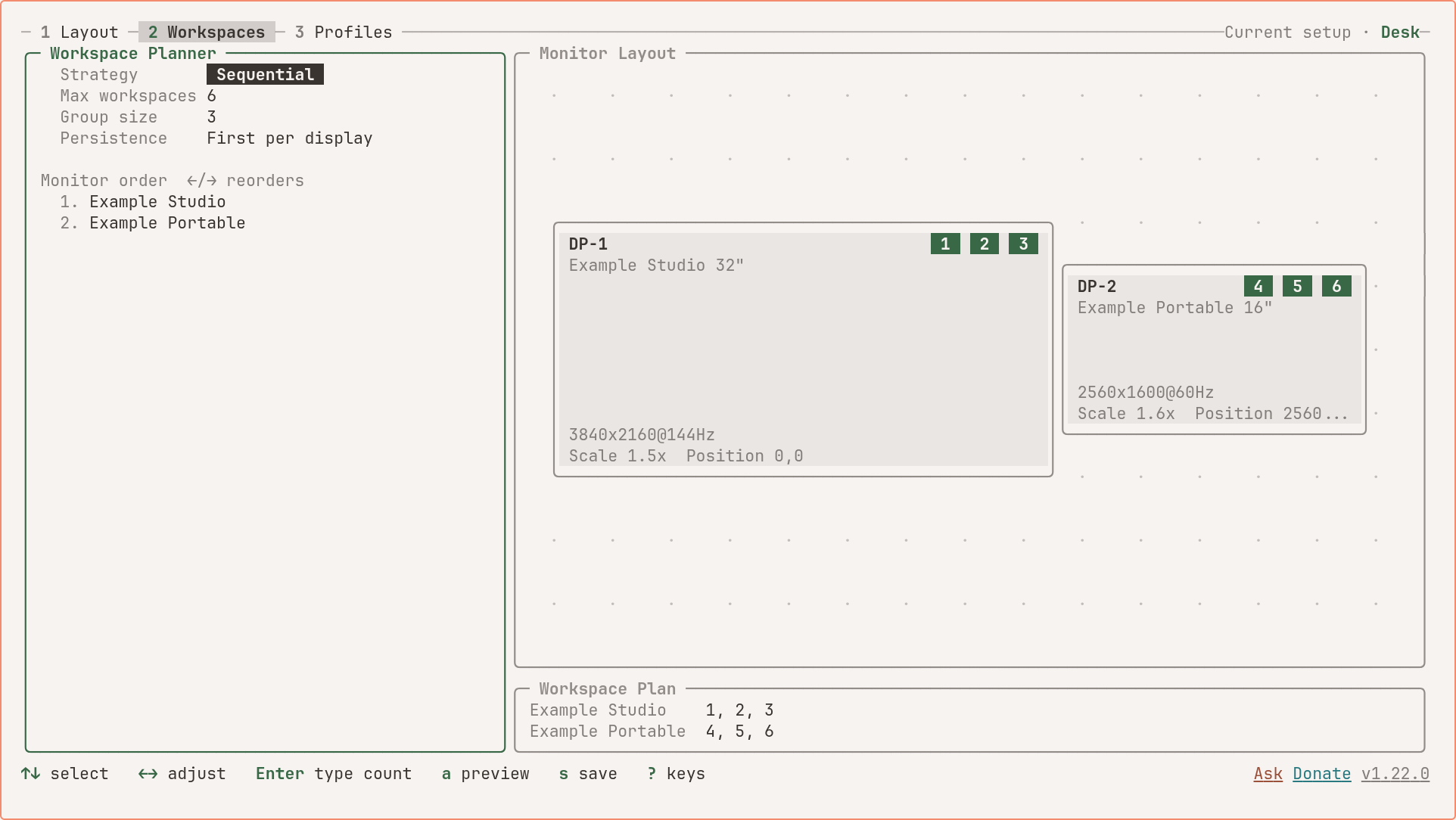
A native Omarchy panel and a companion TUI. The Omarchy Quattro panel provides a graphical layout canvas with drag-and-drop, display and colour controls, a workspace planner, and saved profiles. The terminal editor offers the same shared configuration engine with keyboard and mouse controls. It remains useful from a TTY or over SSH when you need to configure a running Hyprland session without the graphical panel.
One apply engine, everywhere. The panel sends changes to the daemon. The TUI uses that daemon when it is running, or the same shared engine directly when it is not: write the generated monitor config atomically, reload Hyprland, re-read monitor state, and verify. Previewed changes revert unless you confirm them.
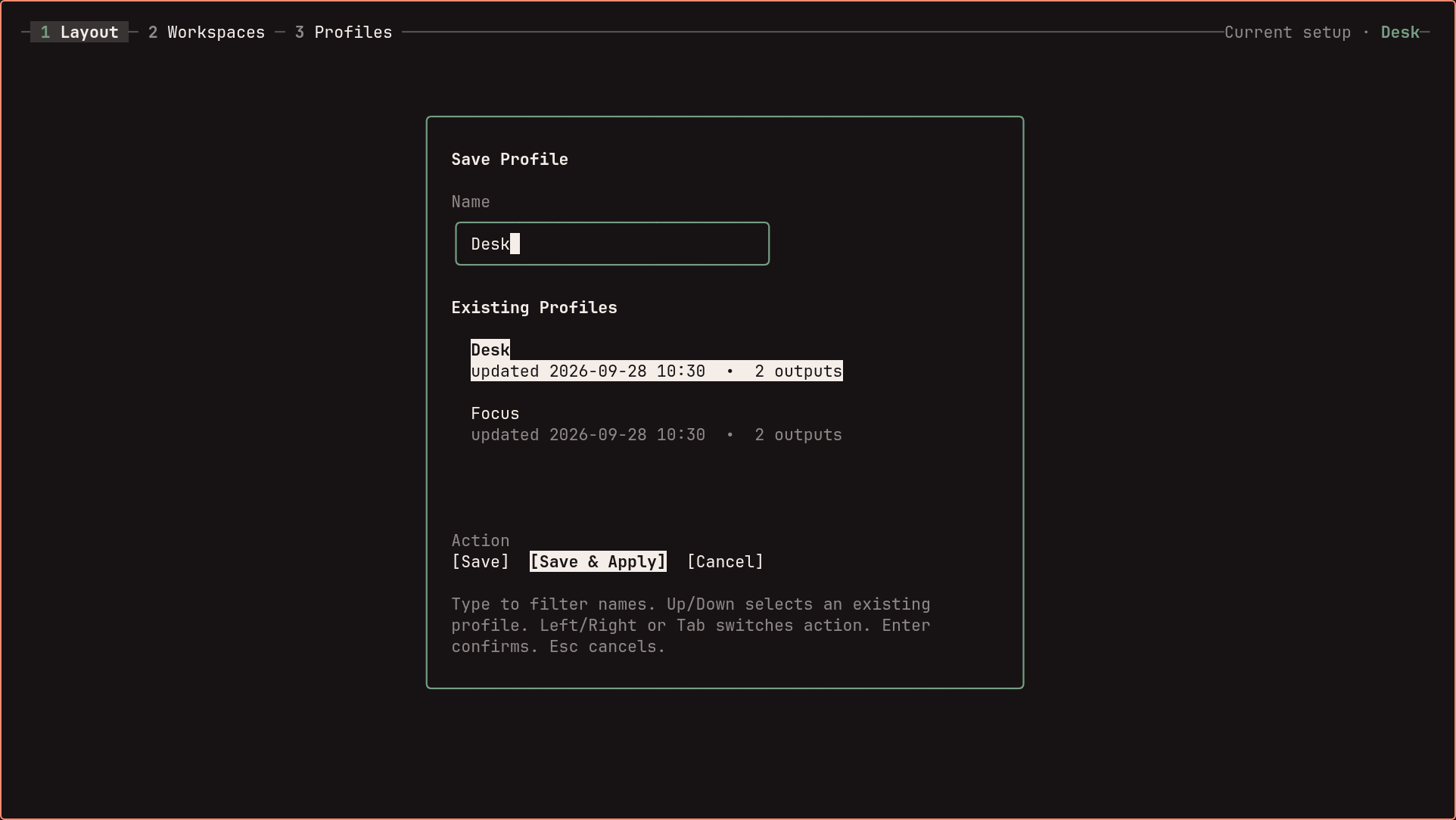
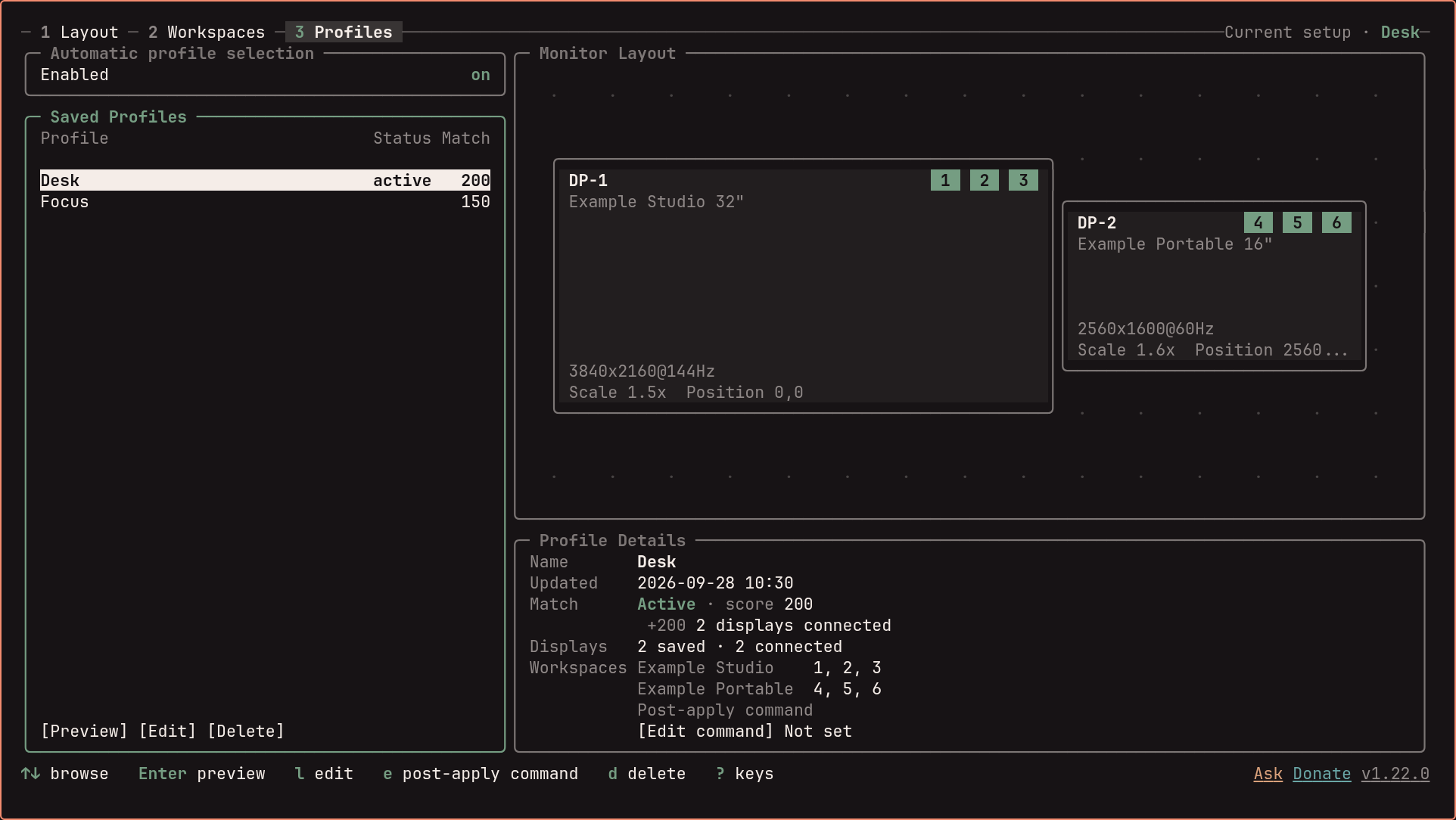
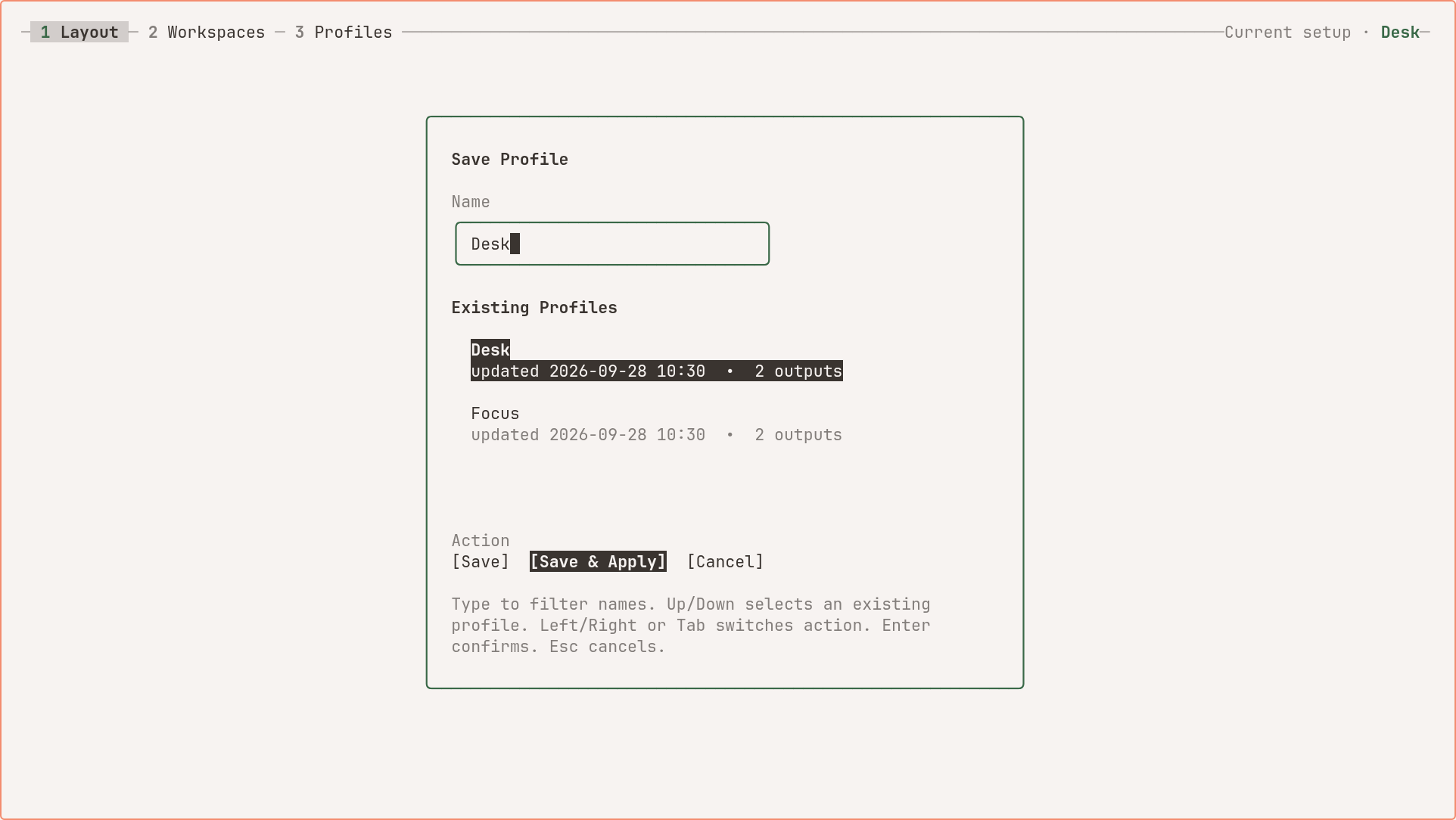
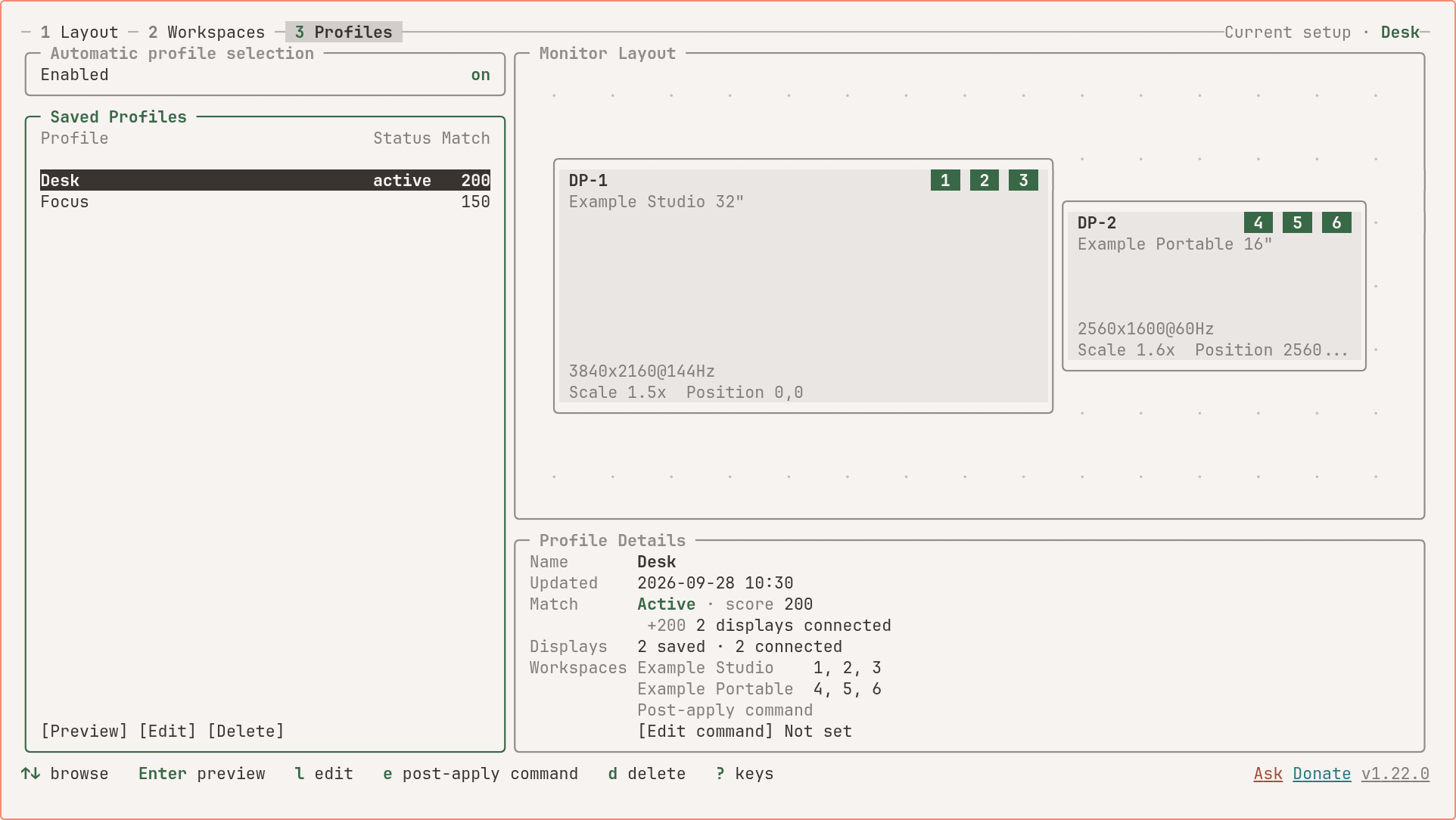
Profiles follow your hardware, not your ports. Each profile stores monitor identity by make, model, and serial – not by connector name. DP-1 and DP-2 can swap all they want. Your layout holds.
It verifies the generated config is loaded. Legacy source chains are checked before writing. For Hyprland 0.55+ Lua configs, hyprmoncfg reloads Hyprland and asks the active Lua state to confirm that the generated monitor file actually ran. If it did not, hyprmoncfg rolls the file back.
A small shared backend. The core ships as two compiled Go binaries for Hyprland. The graphical panel uses Omarchy’s existing Quickshell environment. Optional hardware features use their own integrations, such as iio-sensor-proxy for automatic rotation on a tablet or 2-in-1.
How it compares
| hyprmoncfg | Monique | HyprDynamicMonitors | HyprMon | nwg-displays | kanshi | |
|---|---|---|---|---|---|---|
| GUI or TUI | Native Omarchy GUI + TUI | GUI | TUI | TUI | GUI | CLI |
| Spatial layout editor | Yes | Yes | Partial | Yes | Yes | No |
| Drag-and-drop | Yes | Yes | No | Yes | Yes | No |
| Snapping | Yes | Not documented | No | Yes | Yes | No |
| Profiles | Yes | Yes | Yes | Yes | No | Yes |
| Auto-switching daemon | Yes | Yes | Yes | No (roadmap) | No | Yes |
| Workspace planning | Yes | Yes | No | No | Basic | No |
| Mirror support | Yes | Yes | Yes | Yes | Yes | No |
| Safe apply with revert | Yes | Yes | No | Partial (manual rollback) | No | No |
| Hyprland 0.55 Lua config | Yes | No | No | Yes | Yes | N/A |
| Include-chain verification | Yes | No | No | No | No | No |
| Additional runtime dependencies | Omarchy Quickshell for the panel; optional hardware integrations | Python + GTK4 + libadwaita | UPower, D-Bus | None | Python + GTK3 | None |
Demo
Plug in your monitors, arrange them once, save the arrangement as a profile, and it comes back whenever those monitors do. The film animates a rebuild of the TUI that is checked against real captures, with sample displays.
Screenshots
Captured from the 1.19 TUI with isolated synthetic displays and profiles, in light and dark terminal themes. These are actual renderer captures, not mockups or evidence of physical hotplug testing.