# What is hyprmoncfg?
Why hyprmoncfg exists, what problems it solves, and how it compares to other tools.
## The problem with Hyprland monitor configuration
Configuring monitors in Hyprland means writing `monitor=` lines by hand. A 4K display at 1.33x scale is effectively 2880x1620 pixels, so the monitor next to it needs to start at x=2880. Vertically centering a 1080p panel against it means doing division in your head to get the y-offset right. You reload, you're off by 40 pixels, you edit, you reload again. There's no visual feedback until after you've committed to a config.
Then it gets worse. You unplug your laptop, go to a conference, plug into a projector, and you're back to editing config files backstage before your talk. You come home, dock the laptop, and the layout is wrong again.
Existing tools try to help but bring their own problems. Some need a Python runtime and GTK just to draw a layout. Others have no visual editor at all -- profiles are config files you write by hand. Some handle hotplug but break when connectors swap between boots. And none of them check whether Hyprland is actually reading the file they're writing to.
## What hyprmoncfg does differently
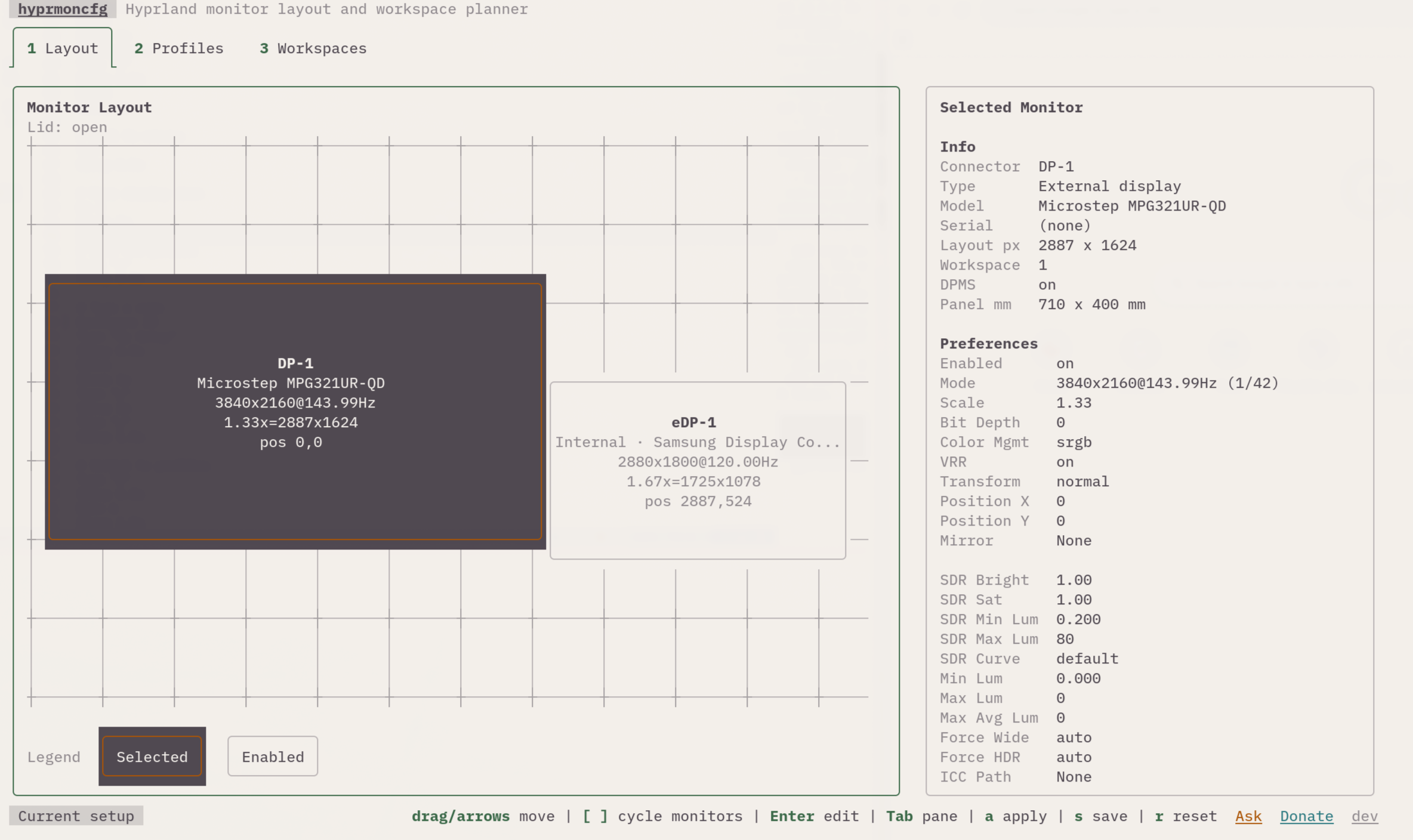
**It's terminal-first, not terminal-only.** The TUI has a real layout canvas with drag-and-drop, a per-monitor inspector, picker dialogs, and a workspace planner. It's not a glorified config editor -- it's a spatial tool that happens to run in your terminal.
**One apply engine, everywhere.** The TUI and the daemon use the exact same code path: write `monitors.conf` atomically, reload Hyprland, re-read monitor state, verify. No "best effort" daemon behavior. No silent failures.
**Profiles follow your hardware, not your ports.** Each profile stores monitor identity by make, model, and serial -- not by connector name. `DP-1` and `DP-2` can swap all they want. Your layout holds.
**It verifies the source chain.** Before writing anything, hyprmoncfg checks that `hyprland.conf` actually sources the target `monitors.conf`. Other tools skip this and silently update files that Hyprland never reads.
**One runtime dependency: Hyprland.** Two compiled Go binaries. No Python, no GTK, no GObject introspection, no D-Bus. Install them and you're done. Since it's a TUI, it works over SSH too -- configure monitors on a headless machine from your laptop.
## How it compares
| | hyprmoncfg | Monique | HyprDynamicMonitors | HyprMon | nwg-displays | kanshi |
|---|---|---|---|---|---|---|
| GUI or TUI | TUI | GUI | TUI | TUI | GUI | CLI |
| Spatial layout editor | Yes | Yes | Partial | Yes | Yes | No |
| Drag-and-drop | Yes | Yes | No | Yes | Yes | No |
| Snapping | Yes | Not documented | No | Yes | Yes | No |
| Profiles | Yes | Yes | Yes | Yes | No | Yes |
| Auto-switching daemon | Yes | Yes | Yes | No (roadmap) | No | Yes |
| Workspace planning | Yes | Yes | No | No | Basic | No |
| Mirror support | Yes | Yes | Yes | Yes | Yes | No |
| Safe apply with revert | Yes | Yes | No | Partial (manual rollback) | No | No |
| Source-chain verification | Yes | No | No | No | No | No |
| Additional runtime dependencies | None | Python + GTK4 + libadwaita | UPower, D-Bus | None | Python + GTK3 | None |
## Demo
## Screenshots
### Dark theme
### Light theme
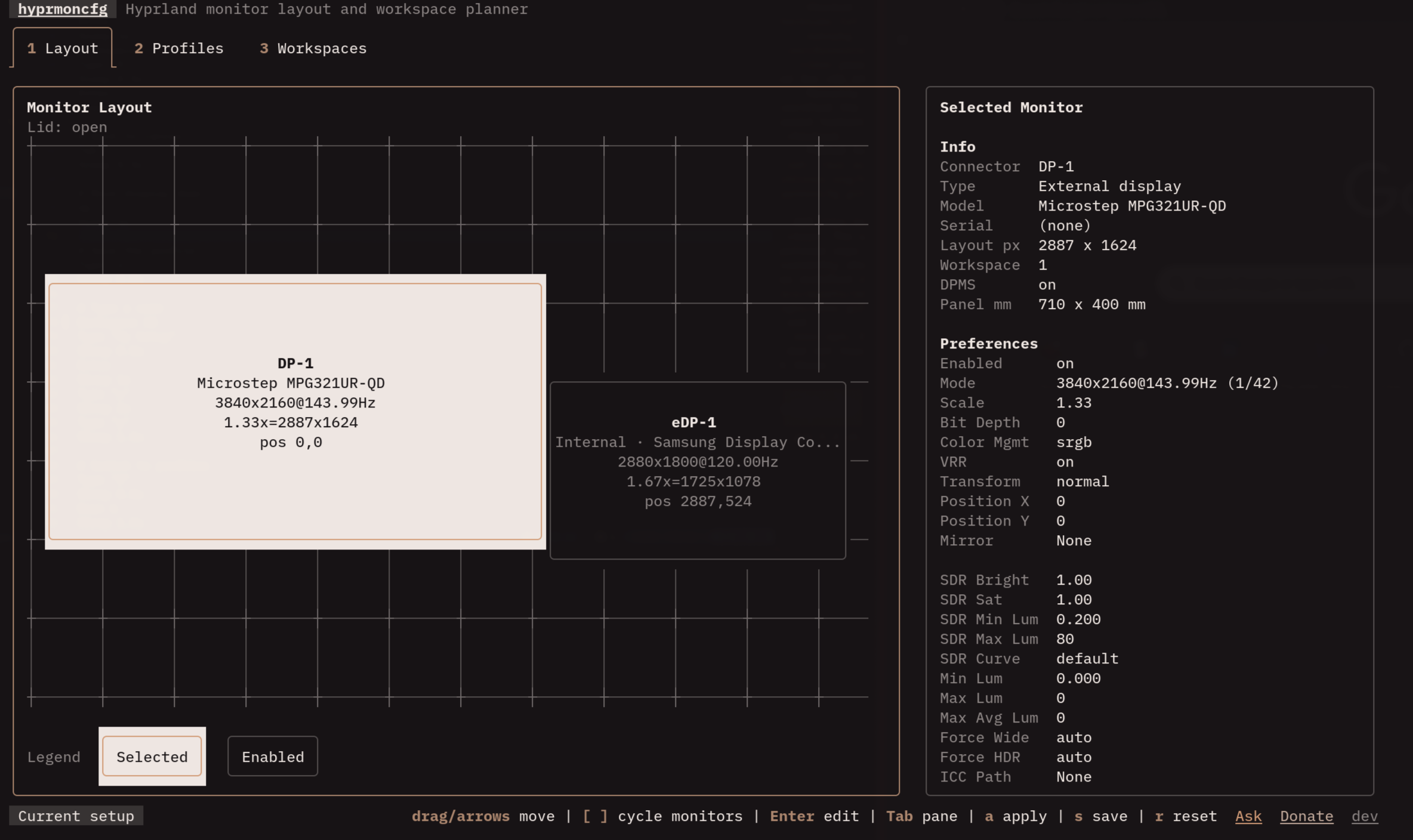 Layout editor
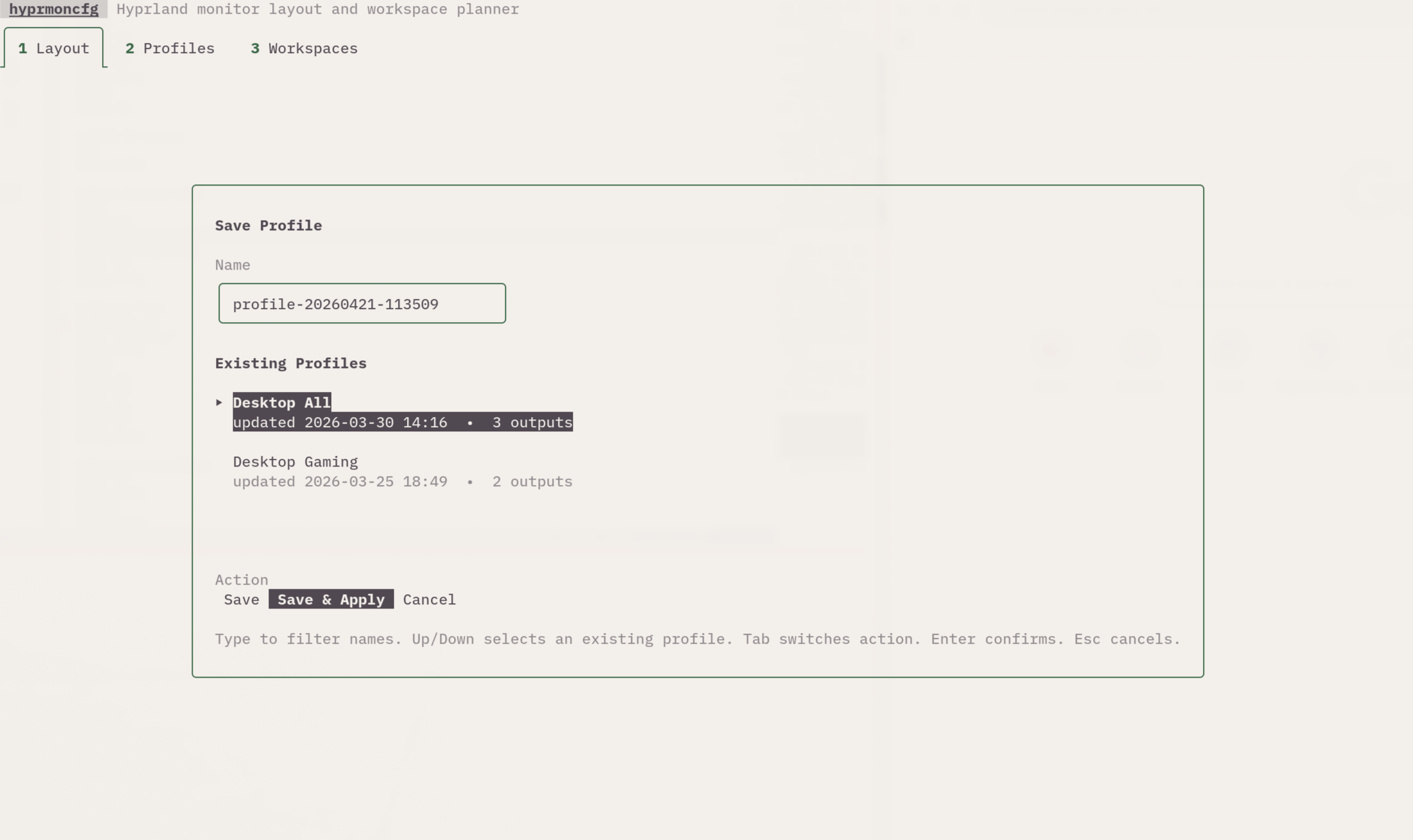
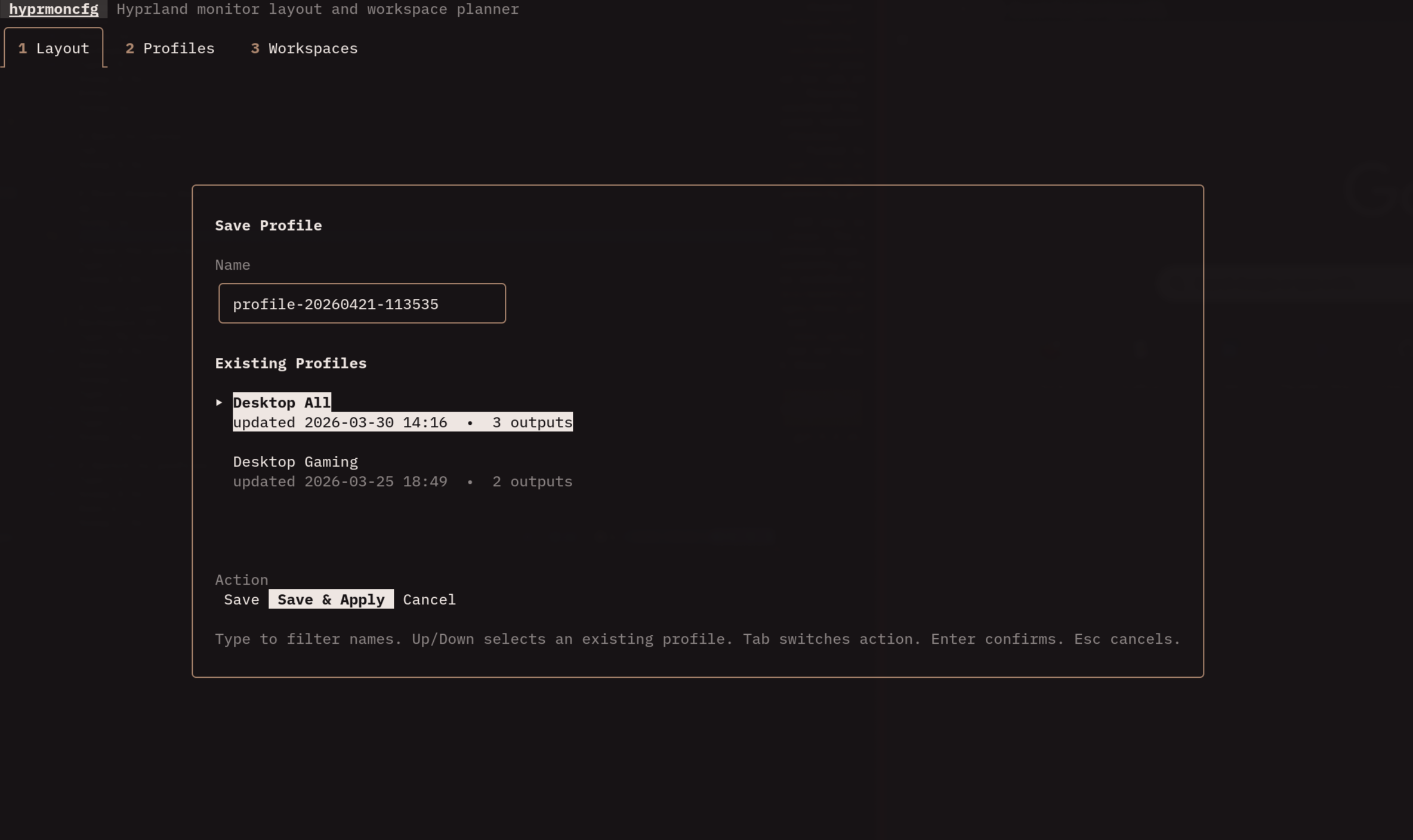 Save profile dialog
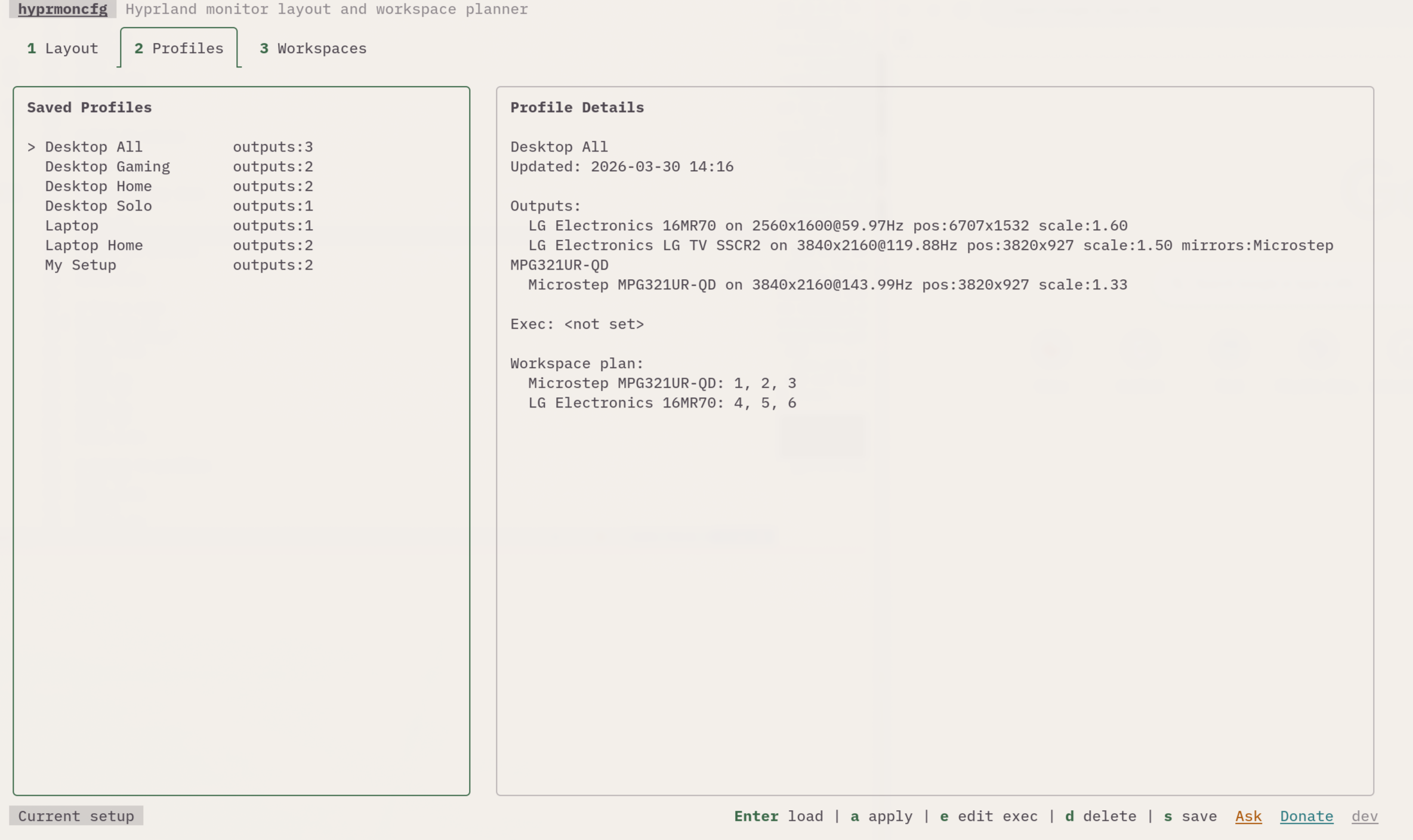
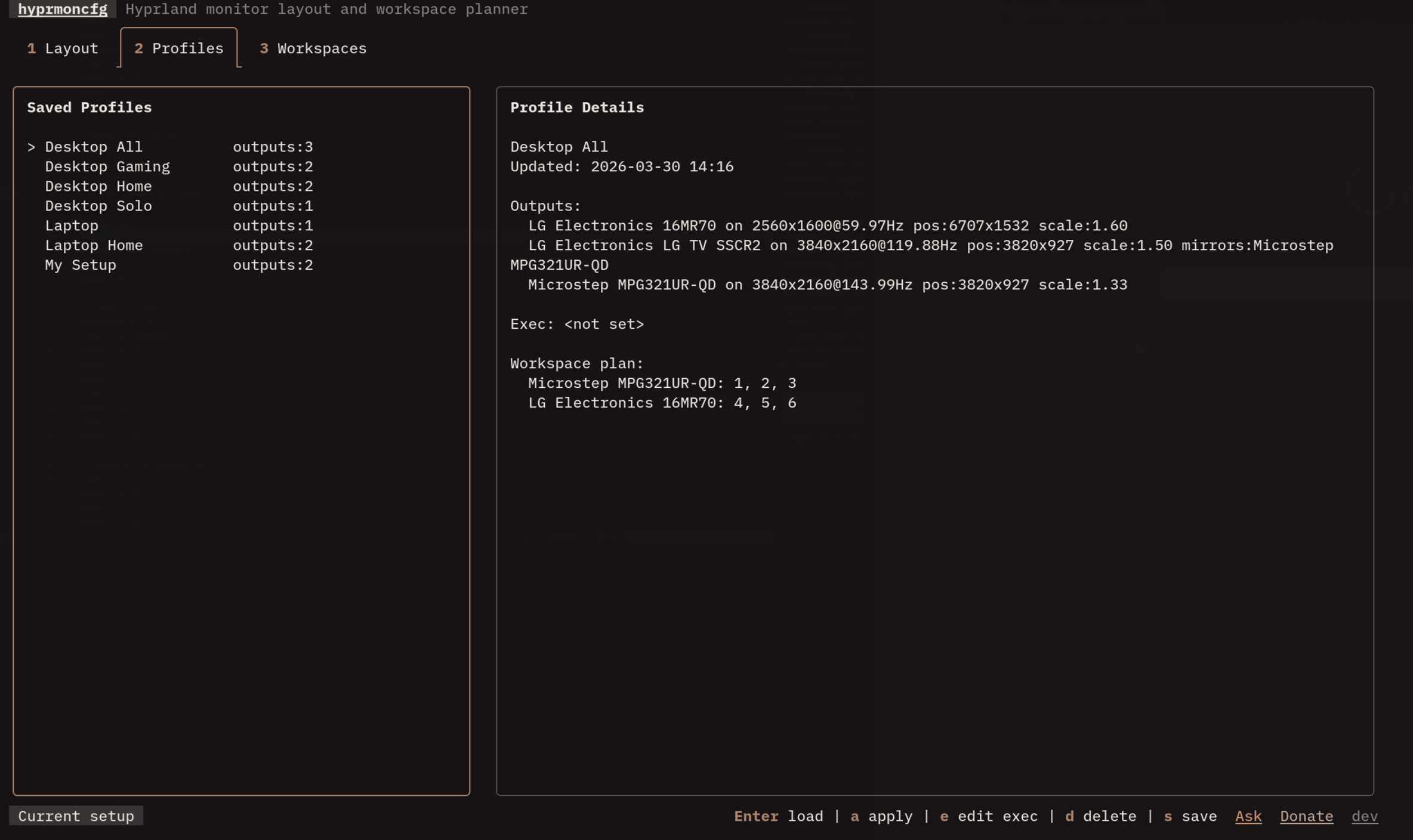 Profiles tab
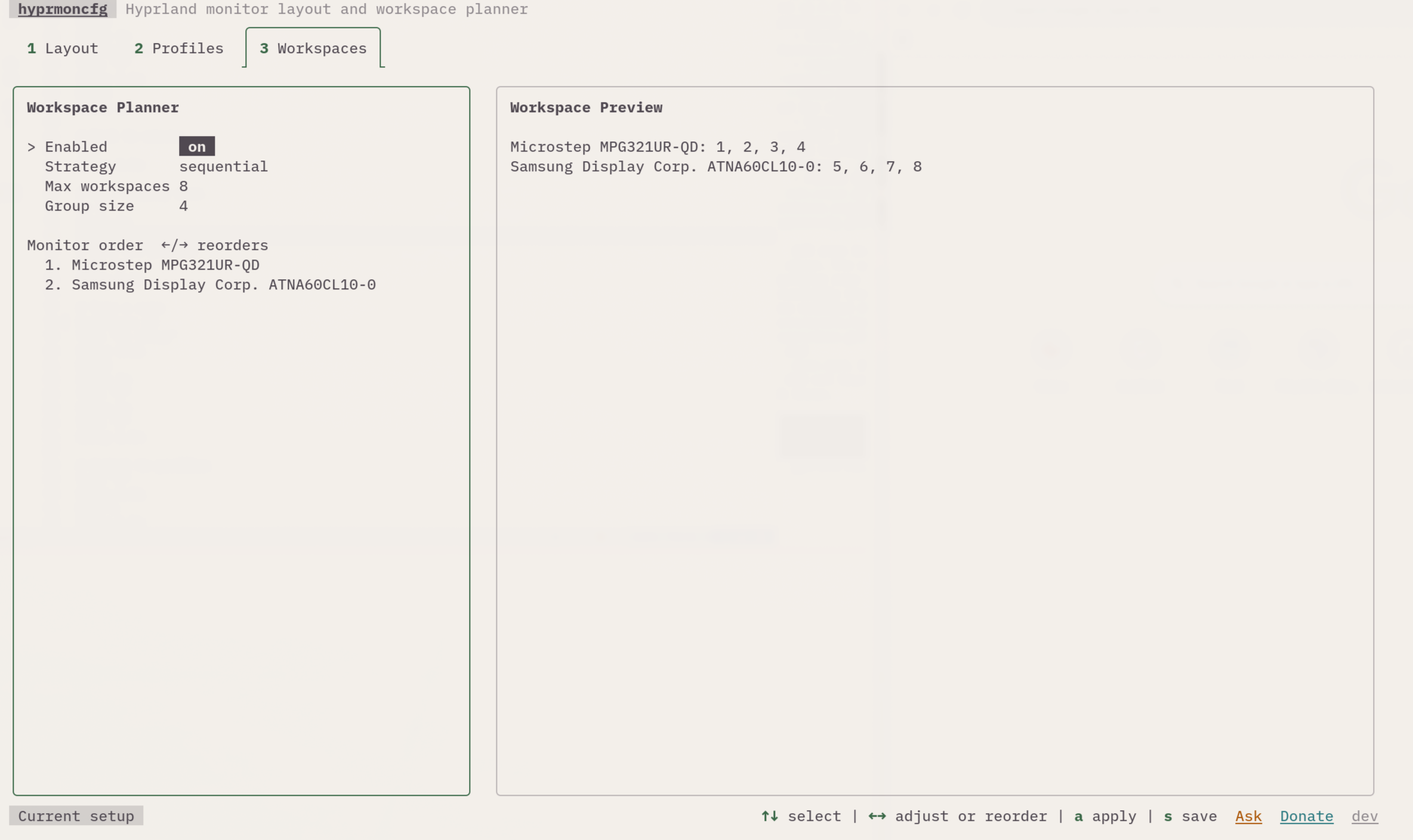
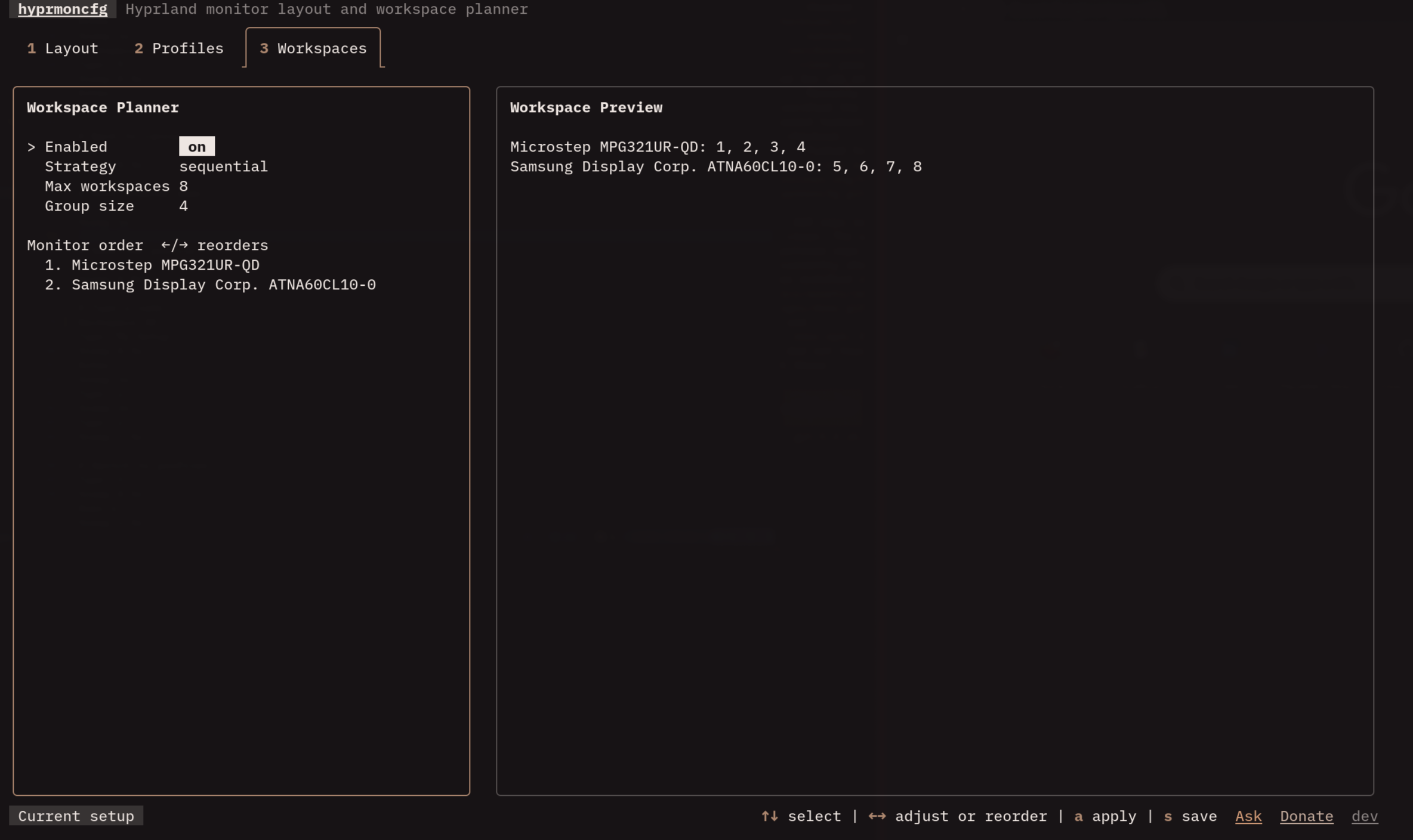 Workspace planner